


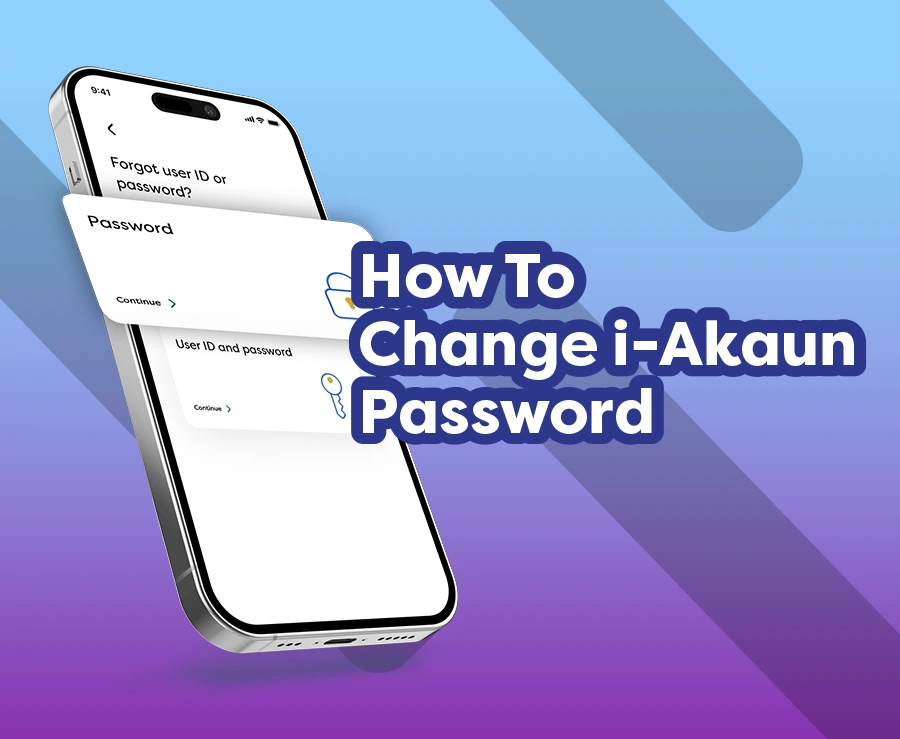
Forgot your i‑Akaun (Member) password? Don’t worry, you can change or reset it conveniently through the KWSP i‑Akaun app. The process only requires TAC verification using your mobile number registered in the EPF system.
In fact, you can use the same steps if you have forgotten your user ID.
Follow the guide below to regain access to your account.
Reset i‑Akaun password using the KWSP i‑Akaun app
Step 1: Select ‘Forgot user ID or password’
Step 2: Select ‘User ID and Password’ (if you have forgotten both)
Note: Select ‘Password’ if you only wish to reset your password.
Step 3: Select the ID type, enter your ID number, and then tap ‘Continue’.
Step 4: Enter your mobile number, then tap ‘Continue’
💡 Important: Ensure that the TAC phone number registered with EPF is your own, active, and up to date.
Step 5: Receive the TAC number via SMS on your registered phone number
💡 Important: Do not share your TAC number with anyone.
Step 6: Enter the 6-digit TAC number you received
Step 7: Set a new password
Your User ID will also be displayed on the screen for reference. Make sure that the new password you create meets the following requirements:
- 8–16 characters
- At least one uppercase letter (A–Z)
- At least one lowercase letter (a–z)
- At least one number (0–9)
💡 Important: Use a strong, unique password. Do not reuse old passwords or share it with anyone.
Step 8: Confirm your new password
Re-enter your new password, and please ensure both passwords match.
Step 9: Complete!
Your password has been successfully changed. You can now log in to the KWSP i-Akaun app using your new credentials.
For instructions via desktop or laptop using the i-Akaun (Member) web portal, please refer to the guide here.
Didn’t receive your TAC number?
You cannot reset your password without TAC verification. If you are having trouble receiving the code (whether using your old or new phone number), follow these steps:
- Verify your phone number: Ensure the TAC phone number registered with EPF is correct and active.
- Check for SMS restrictions: Make sure your device is not blocking or marking EPF short codes (62002, 62003, 62004, 62005, 62006, or 62522) as spam.
- Check your phone’s network connection: Make sure your phone has a stable network connection and is able to receive SMS.
- Request again: Try requesting the TAC number once more.
If you’re still having trouble, visit the nearest EPF office or Self-Service Terminal to verify your registered mobile number.
Changed your phone number?
If you have changed your phone number but have not updated it in the EPF system, you will need to visit a nearby EPF office or Self-Service Terminal (SST).
💡 Important: Updating your mobile number in the “Profile” menu of the KWSP i-Akaun app or i-Akaun (Member) web portal will not change the phone number used to receive TAC codes. This must be done in person at an EPF office or SST.